PS5 Compatible
NVMe SSDs.
Upgrade your PlayStation 5 storage with these high-speed Gen 4 drives. All listed drives meet Sony's M.2 requirements.
Read our Installation Guide →Compatible Models
10 Drives
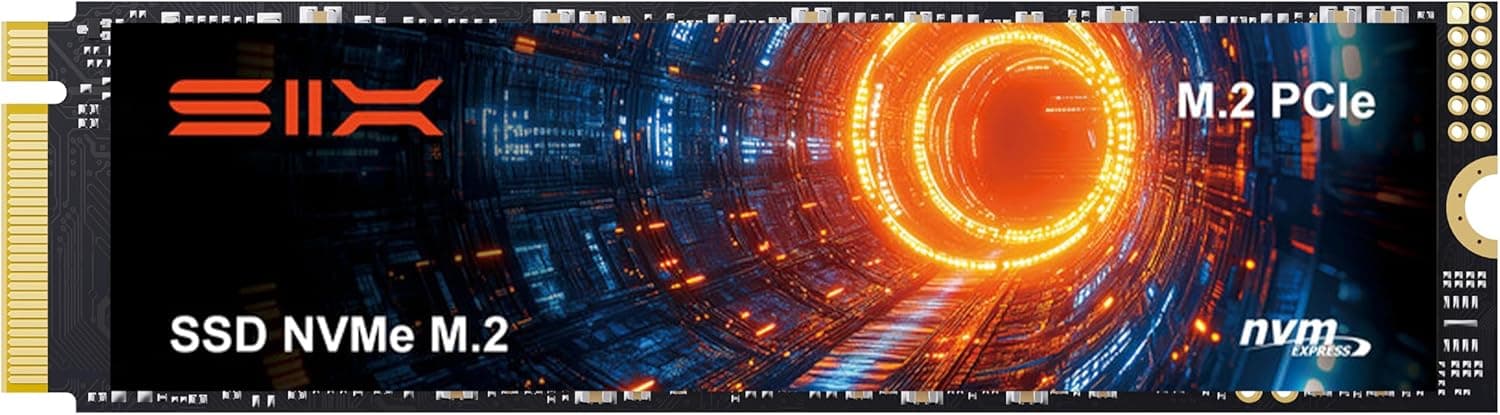
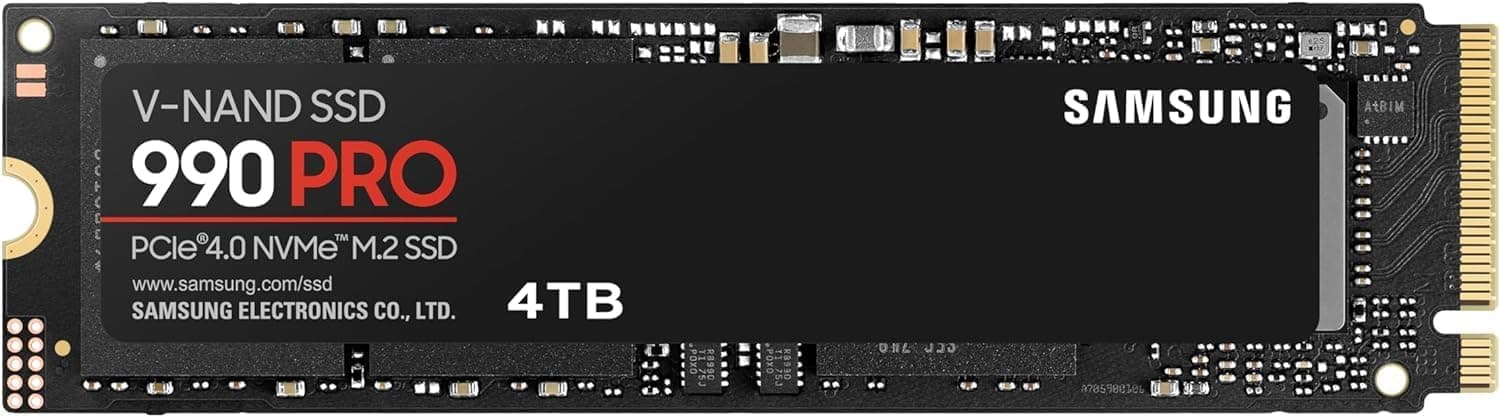
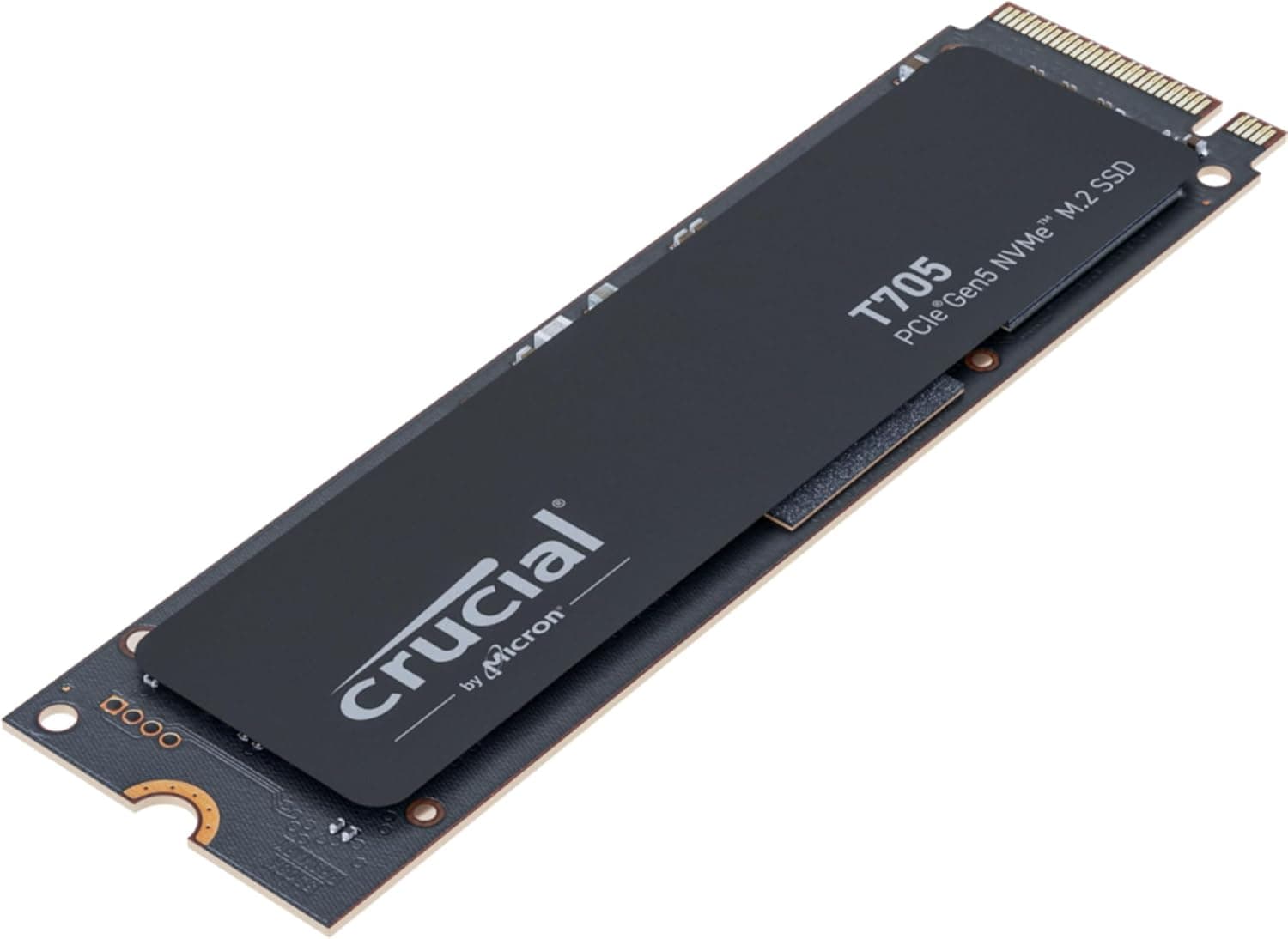
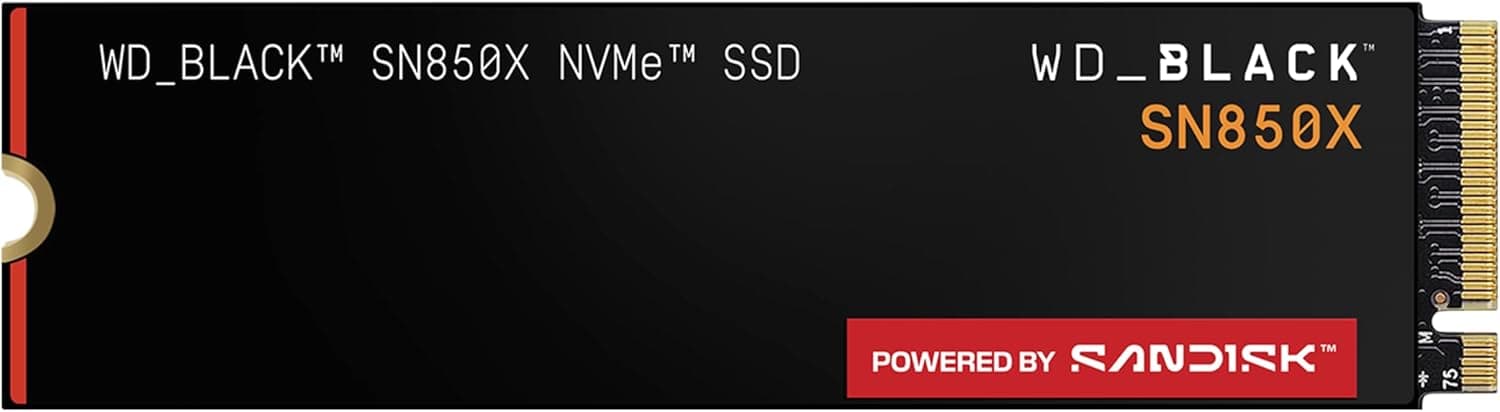

Samsung 9100 PRO 2TB
Samsung
£0.19/GB
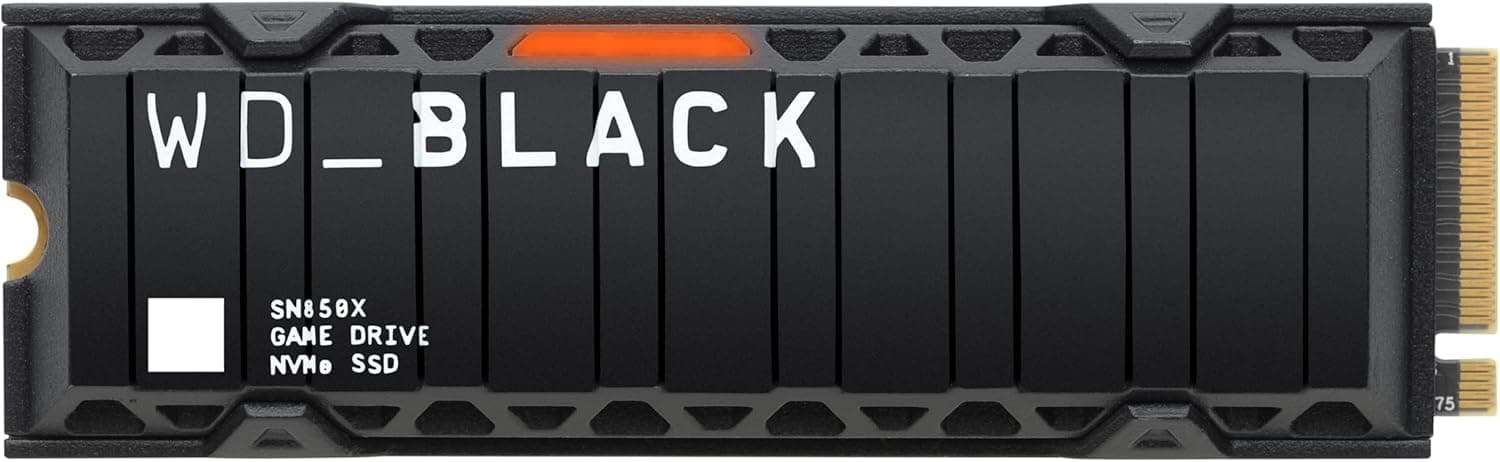
Western Digital Black SN850X with Heatsink 1TB
WD
£0.19/GB
Featured Partner
Level Up Your Comfort
You’ve got the storage—now get the best seat in the house. Visit Game Over for premium gaming bean bags, footstools, and a chance to win exclusive prizes!
Best PS5 SSDs: Requirements, Sizes and Speed
📋 Official Requirements
- ✓ M.2 NVMe SSD (PCIe Gen 4 x4)
- ✓ 250 GB to 8 TB capacity
- ✓ Min 5,500 MB/s speed recommended
- ✓ Heatsink (built-in or added)
💡 Quick Buying Tips
- 1 1TB-2TB is the sweet spot for value.
- 2 Always check for a heatsink.
- 3 Gen 5 drives work but are overkill (run at Gen 4 speeds).
The PlayStation 5 uses a built‑in ultra‑fast SSD, but the usable space fills up quickly. Adding an internal M.2 SSD that meets Sony's requirements gives you more room for games without sacrificing load times.
Best SSD for the PS5 Pro (2026)
Every drive on this page fits a PS5 Pro. The Pro uses the same M.2 expansion slot and the same drive specification as the original console — Sony lists it under the CFI‑7000 model group in the same requirements table. What changes is not which drive you can fit, but how big it should be.
🎮 PS5 vs PS5 Pro storage
- → Original PS5: 825GB built in
- → PS5 Pro: 2TB built in
- → Both accept up to 8TB extra via M.2
- → Identical drive spec — no Pro‑specific SSD exists
Sony notes some of the built‑in SSD is reserved for system software, so usable space is lower than the headline figure on both consoles.
📐 How to size a Pro upgrade
- 1 Starting from 2TB, a 1TB add‑on moves the needle far less than it does on a base PS5.
- 2 2TB or 4TB is the sensible Pro upgrade — sort by £/GB above to find the current best value.
- 3 Pro‑enhanced games carry higher‑resolution assets, so install sizes trend larger, not smaller.
⚠️ The spec sheet won't tell you this
Sony confirms that PS5 consoles do not support Host Memory Buffer (HMB). Budget DRAM‑less NVMe drives lean on HMB to borrow system RAM for their mapping tables, so on a PS5 or PS5 Pro they can run slower than their advertised figures suggest — even when the box quotes well above Sony's 5,500 MB/s recommendation.
If a drive looks unusually cheap per gigabyte, check whether it has its own DRAM cache before buying. One more thing worth knowing: if your drive already has a heatsink built in, Sony recommends against stacking a second one on top — it makes cooling worse, not better.
Not upgraded yet? Our PS5 SSD installation guide walks through fitting a drive in both the original and CFI‑7000 console designs, including the heatsink clearance that trips most people up.